Markdown Math Showing as Plain Text in Word? Fix LaTeX Syntax and Equation Conversion
A Markdown document may contain formulas that look correct in an editor but appear as raw LaTeX text after conversion to Word. Instead of a formatted equation, the DOCX may display characters such as \frac{a}{b}, dollar signs, backslashes, or incomplete mathematical expressions.
This usually means the formula was not recognized as mathematical content before the Word document was generated. The source may use incorrect delimiters, place the equation inside a code block, mix several math conventions, or rely on LaTeX commands that do not have a reliable Word equivalent.
Quick diagnosis
Use consistent inline or display-math delimiters, keep formulas outside code blocks, close every delimiter, simplify custom macros, and test one failing equation separately before converting the full document again.
 The source must first be recognized as math before it can become a formatted Word equation.
Why a formula becomes plain text
A Markdown converter does not treat every backslash or mathematical symbol as an equation. It first parses the document and decides whether a section is ordinary text, code, inline math, or display math.
A formula commonly remains as plain text when:
- The opening or closing math delimiter is missing.
- The formula is placed inside backticks or a fenced code block.
- Dollar signs are used as currency symbols and confuse the parser.
- The source mixes
$...$,$$...$$,\(...\), and\[...\]inconsistently. - A custom LaTeX macro is unknown to the conversion pipeline.
- Braces, environments, or commands are incomplete.
- The expression is copied from a system that uses a different math syntax.
The first step is therefore to confirm that the source contains valid, consistently delimited mathematical content rather than visually similar plain text.
Inline math and display math are different
Inline math belongs inside a sentence. Display math stands on its own line and is usually used for larger or more important equations.
Inline math
The average value is $\bar{x} = \frac{1}{n}\sum_{i=1}^{n}x_i$.
The formula remains part of the paragraph and should not be placed on a separate line unless the document design requires it.
Display math
$$
E = mc^2
$$
Keeping display delimiters on their own lines makes the source easier to inspect and reduces ambiguity around surrounding punctuation.
Use one convention consistently
A document may technically support several delimiter styles, but mixing them unnecessarily makes editing and troubleshooting harder. Choose one inline style and one display style for the complete document.
Problem 1: Missing or mismatched delimiters
Every opening delimiter needs a matching closing delimiter. A single missing dollar sign can cause the parser to treat the formula, or even the remainder of the paragraph, incorrectly.
Incorrect
The result is $x = \frac{-b \pm \sqrt{b^2 - 4ac}}{2a}.
Correct
The result is $x = \frac{-b \pm \sqrt{b^2 - 4ac}}{2a}$.
The period belongs after the closing delimiter. Keeping ordinary punctuation outside the formula also makes the source easier to read.
Problem 2: The formula is inside a code block
Backticks mean “show this content literally.” That is useful when teaching LaTeX syntax, but it prevents the same content from being interpreted as a mathematical equation.
Rendered as code
`$a^2 + b^2 = c^2$`
Interpreted as math
$a^2 + b^2 = c^2$
When an article needs to show both the source and the rendered result, place the source example in a code block and place a separate copy outside the code block for conversion.
 Code blocks preserve LaTeX as text; math delimiters allow it to be interpreted as an equation.
Problem 3: Currency symbols are mistaken for math delimiters
The dollar sign is also used for currency, so paragraphs containing prices and formulas need careful spacing and punctuation.
Ambiguous example
The price changed from $40 to $50, while $x = 10$.
Many parsers handle this correctly, but copied or malformed text can still create ambiguity. For documents with many currency values, review every paragraph containing dollar signs and math.
Do not surround ordinary currency values with paired math delimiters unless they are intended to become equations. When possible, use a currency code such as USD 40 in technical tables where ambiguity is likely.
Problem 4: Braces or commands are incomplete
LaTeX commands frequently use braces to group numerators, denominators, exponents, subscripts, roots, and matrix content. Missing one brace can prevent the expression from being interpreted correctly.
| Incorrect | Correct |
|---|---|
\frac{a+b}{c |
\frac{a+b}{c} |
x^{n+1 |
x^{n+1} |
\sqrt{x^2+y^2 |
\sqrt{x^2+y^2} |
x_{i+1 |
x_{i+1} |
For long equations, use an editor with matching-brace highlighting or temporarily format the expression across several source lines where the syntax allows it.
Problem 5: Unsupported custom macros
A LaTeX document can define custom commands in its preamble. A standalone Markdown file usually does not carry the same macro environment, so commands that worked in a full TeX project may be unknown during DOCX conversion.
Custom source
$\vect{x} + \vect{y}$
If \vect was defined elsewhere, the converter may not know what it means.
Expanded source
$\mathbf{x} + \mathbf{y}$
Replace custom macros with standard commands whenever portability is more important than maintaining a compact TeX source.
Problem 6: An equation environment is too complex
Large LaTeX environments can contain alignment rules, numbering commands, spacing controls, package-specific features, and nested structures. These features may not map directly to an editable Word equation.
Before conversion, simplify the source:
- Remove manual spacing commands that only affect TeX layout.
- Remove package-specific commands that are not essential to meaning.
- Split a very long aligned derivation into several equations.
- Use standard fractions, roots, sums, integrals, matrices, superscripts, and subscripts.
- Move explanatory text outside the formula when possible.
Preserve mathematical meaning first
A simpler equation that remains editable and understandable in Word is usually more useful than an exact visual copy that becomes an image or fails to convert.
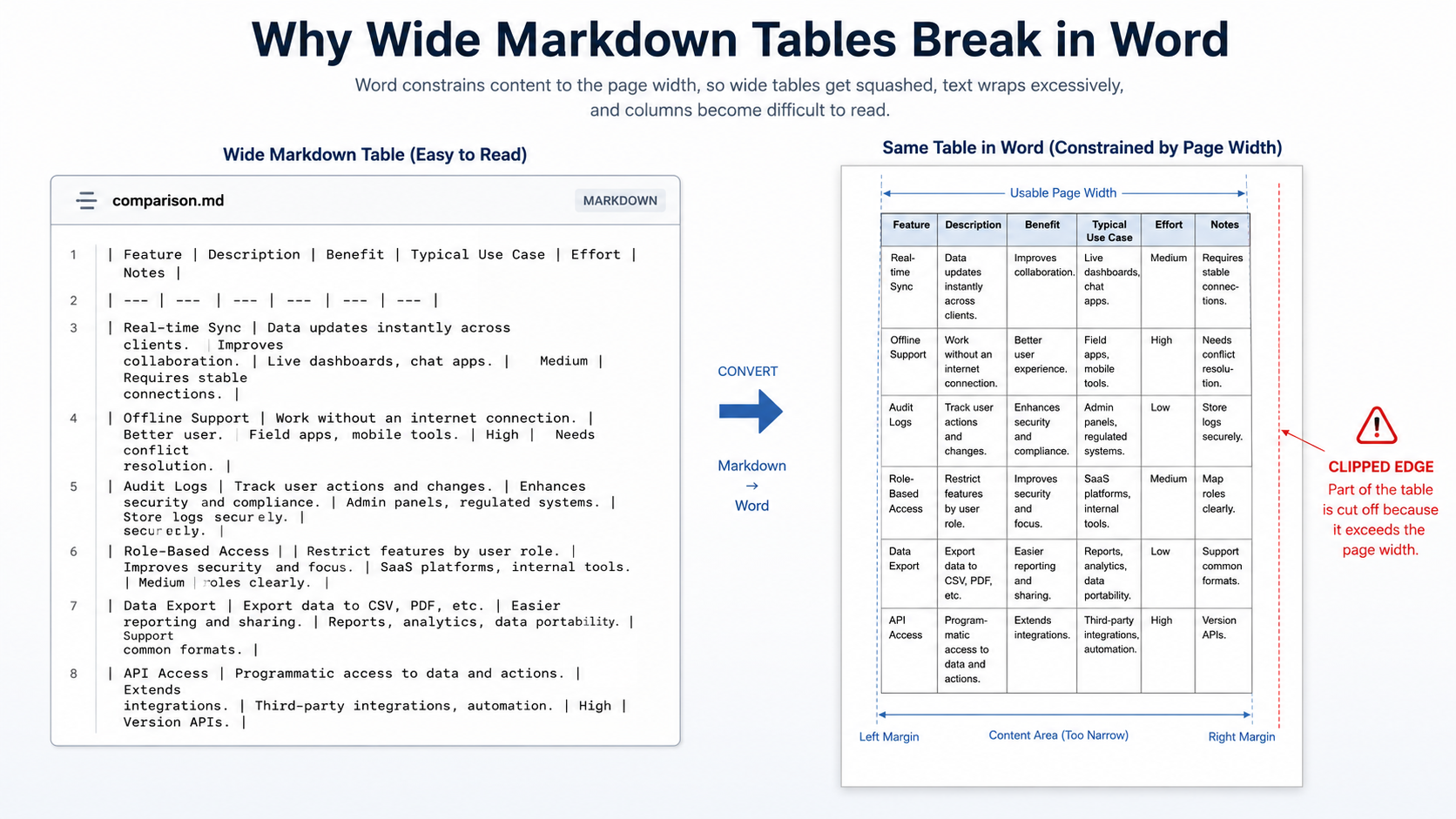
Problem 7: The formula is too long for the page
A formula can convert successfully and still be difficult to use. Word pages have finite width, and long unbroken equations may extend into the margin or become compressed.
Better options include:
- Introduce intermediate variables.
- Break the derivation into several display equations.
- Move conditions and definitions into surrounding paragraphs.
- Separate a matrix from the equation that uses it.
- Avoid shrinking the entire document font to fit one expression.
Test long formulas individually and inspect the resulting line width in Word rather than assuming that successful parsing guarantees good page layout.
A reliable formula-testing workflow
- Find the first failed formula. Do not begin by editing every equation in the document.
- Copy it into a minimal Markdown file. Remove unrelated headings, tables, and code.
- Check delimiters. Confirm that the opening and closing markers match.
- Remove code formatting. Make sure the formula is not inside backticks or a fenced block.
- Check braces and commands. Expand custom macros into standard LaTeX.
- Simplify the equation. Remove nonessential spacing and formatting commands.
- Convert the minimal file. Confirm that the equation becomes editable.
- Return the corrected source to the full document. Then repeat the process for the next failure.
 Test one equation in isolation before changing an entire Markdown document.
Review the equation in the final DOCX
A visually correct preview is not the only requirement. Open the generated DOCX and confirm that the equation behaves as expected in the intended word processor.
Equation review checklist
- Confirm that no dollar signs or LaTeX commands remain visible.
- Click the equation and verify whether it is editable.
- Check fractions, roots, superscripts, subscripts, sums, and integrals.
- Inspect matrices and aligned equations for missing rows or columns.
- Check whether long equations fit inside the page margins.
- Review equation numbering and nearby references when used.
- Open the file in the recipient’s Word or WPS environment when possible.
- Verify the mathematical content separately from the formatting.
Common symptoms and likely causes
| Symptom | Likely cause | First fix to try |
|---|---|---|
| Dollar signs remain visible | Formula was not parsed as math | Check the delimiters and surrounding spaces |
| Formula appears in monospace text | It is inside a code span or block | Remove backticks or code fences |
| Only one command remains as text | Unsupported custom macro | Replace it with a standard command |
| The equation is cut off or malformed | Missing brace or incomplete environment | Check grouped expressions character by character |
| Equation converts but exceeds the page | Expression is too long for the layout | Split the derivation or introduce variables |
Frequently asked questions
Why does my LaTeX formula appear as plain text in Word?
The source was probably not recognized as math. Check missing delimiters, backticks, code blocks, unsupported commands, unmatched braces, and mixed syntax.
Are converted Word equations editable?
Supported equations can remain editable in Word. Complex or unsupported LaTeX features may require simplification, and the final DOCX should always be checked.
Should I use single or double dollar signs?
Use single dollar signs for inline math and double dollar signs for display math when that is the convention selected for the document. The key requirement is consistent, correctly closed syntax.
Can every LaTeX package be converted to Word?
No. Package-specific commands and custom macros may not have direct Word equivalents. Standard mathematical syntax is more portable.
Final checklist
- Inline and display formulas use consistent delimiters.
- Every delimiter and brace is correctly closed.
- Formulas intended for rendering are outside code blocks.
- Custom macros have been replaced with standard commands.
- Long equations have been simplified or split.
- One failed equation has been tested in isolation.
- The final equation has been checked for editability and accuracy in Word.
Pandoc User’s Guide, mathematical notation and DOCX conversion documentation; Microsoft Word equation documentation.
A note about PDF formula layout
Use DOCX when formulas need later editing or field updates. Use the PDF workspace when the formula layout is ready for submission or printing; it keeps the rendered page fixed. Long expressions, matrices, and custom macros should still be checked in the target PDF viewer because font availability and line wrapping affect the result.
![Markdown Citations Still Show [@key] in Word? Fix BibTeX and Bibliography Errors](https://docucraftbox.com/wp-content/uploads/2026/07/01-5.png)