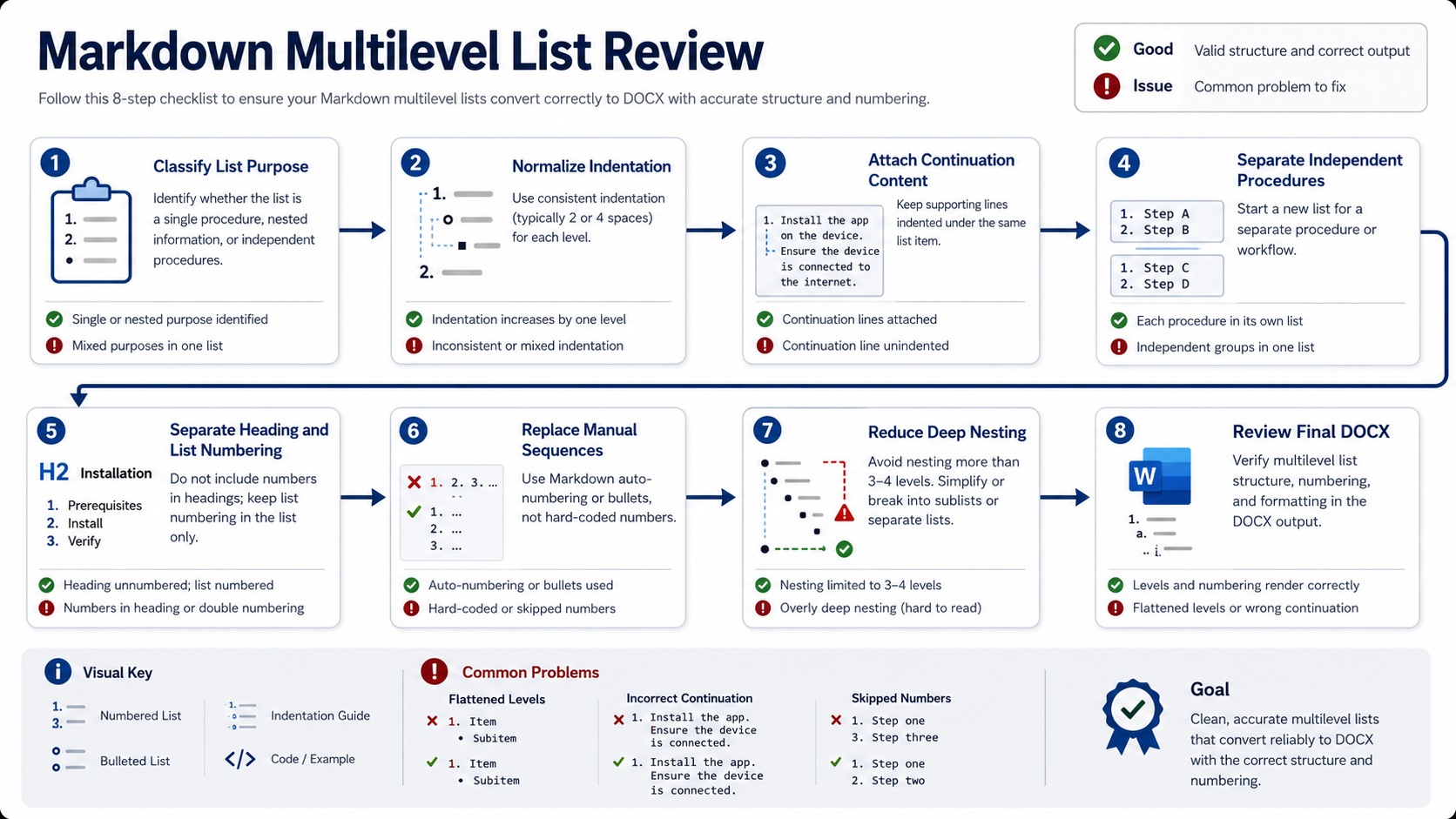
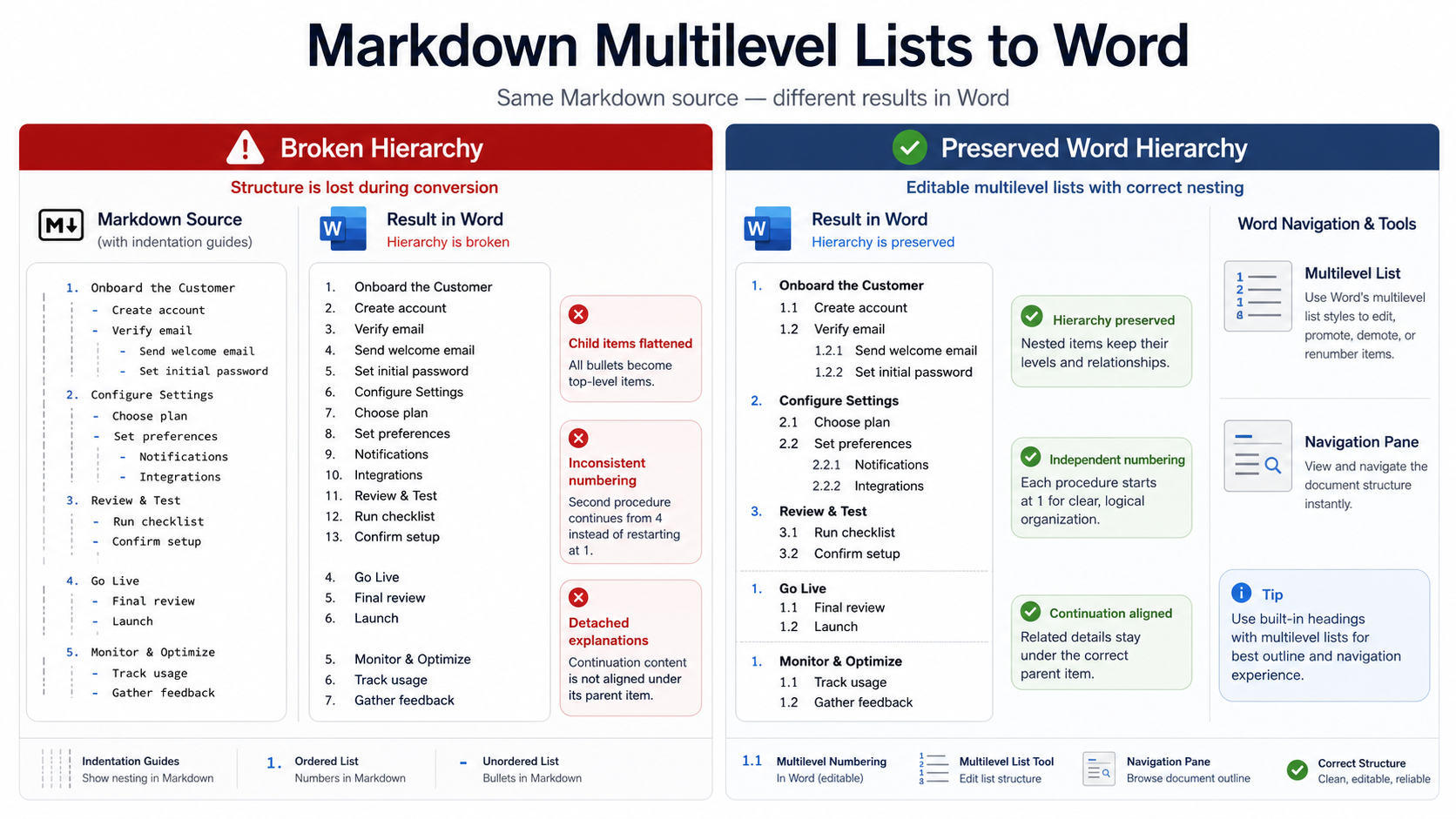
How to Version Reports and Technical Documentation with Markdown
If your files are named “final,” “final-2,” and “client-approved,” you are naming copies, not managing versions. A more reliable workflow keeps Markdown as the readable source, uses Git for the change history, marks deliverable states with tags or branches, and checks images, attachments, and generated files as part of the same release.
Short answer: define who each version is for, which source files produce it, and where the release boundary sits. Reports usually need immutable delivery snapshots. Technical documentation usually needs a maintained current version plus clear entry points for supported older versions.

Separate the three meanings of “version”
Version confusion starts when change history, product compatibility, and delivered files receive one shared number. Keep these questions separate.
| Layer | Question | Useful record |
|---|---|---|
| Change history | Who changed what, and why? | Git commits, diffs, pull requests |
| Applicability | Which product or API version does this explain? | Front matter, version paths, support range |
| Delivery snapshot | Can the delivered file be reproduced exactly? | Git tag, archive, exported DOCX or PDF |
Git records how file contents change and lets you compare or restore earlier states. That applies to plain-text reports and Markdown files as well as source code. The Pro Git book explains the model.
Choose a version model for the document type
Do not begin by copying a whole directory for every small edit. First decide whether readers need a continuously updated page or an unchanged delivery artifact.
| Situation | Use | Avoid |
|---|---|---|
| Quarterly or client-delivery reports | Create a tag after approval and keep the source, assets, and export together. | Editing the already-delivered tag. |
| Continuously updated product docs | Maintain the main line and mark supported product versions in metadata. | Copying the entire set for every wording fix. |
| Several API major versions | Keep version entry points and split only sections whose behavior differs. | Making readers guess which API version a page describes. |
GitHub Docs uses YAML front matter and conditional content to describe version ranges while keeping shared prose in one source. That model fits documentation when most of the page is common and only some instructions vary.
Use a directory structure that can survive change
Keep Markdown, examples, images, and release notes in predictable locations. This structure is small enough for a team project and still leaves room for version tags:
docs-project/
├── docs/
│   ├── index.md
│   ├── api/
│   │   ├── overview.md
│   │   └── authentication.md
│   └── reports/
│       └── 2026-q3.md
├── assets/
│   ├── api-auth-flow.png
│   └── report-chart-2026-q3.png
├── CHANGELOG.md
└── README.md
Reference images relative to the Markdown file, such as ../assets/api-auth-flow.png. Avoid computer-specific absolute paths, and update every reference when an asset is renamed. For a Word conversion example, see Markdown Images Not Showing in Word? ZIP Packaging Guide.
Put the support boundary in front matter
Front matter is not a replacement for Git. It places the document’s applicability next to the content, where a reader and a build process can inspect it:
---
title: API Authentication
product: DocuCraftBox API
versions:
  api: [v2, v3]
status: maintained
last_reviewed: 2026-09-23
---

This page explains the shared authentication flow.
If a paragraph applies only to v3, do not duplicate the whole page by default. Extract shared content, use a reusable section, or use the conditional syntax supported by your build system. Create a separate version only when the difference changes the reader’s action or expected result.
Turn branches, commits, and tags into a release workflow
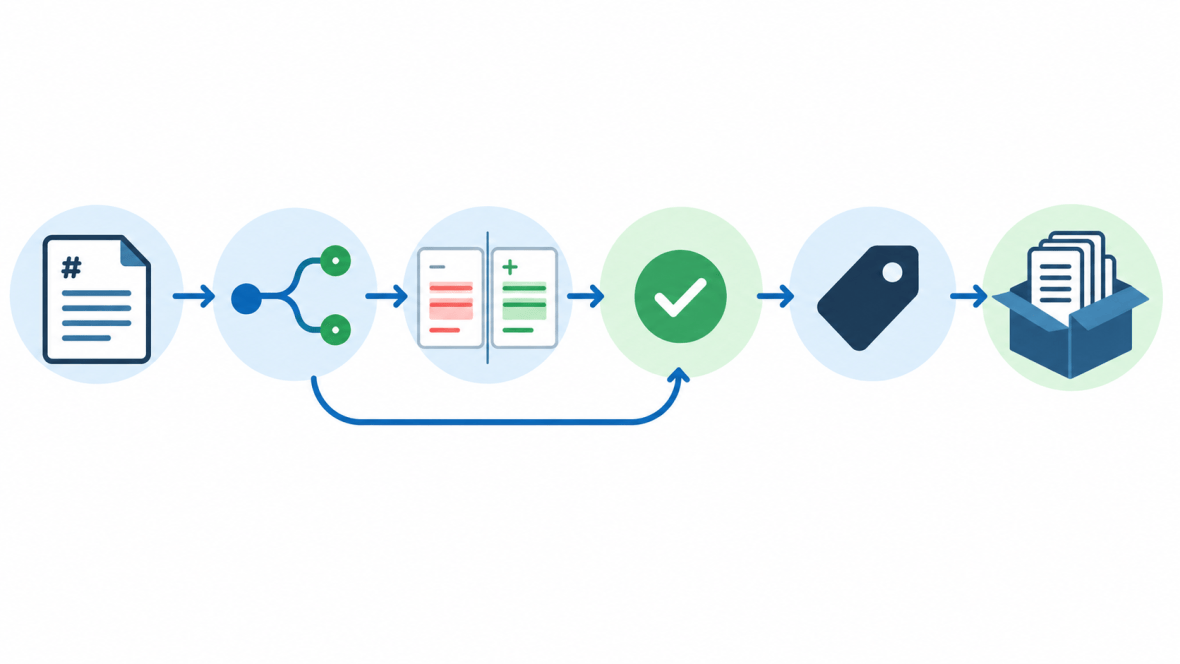
A small team can use the following workflow. The important part is the review boundary, not the number of Git commands:
- Create a documentation branch from the current main line, such as
docs/api-v3-auth. - Change the prose, examples, images, and front matter on that branch.
- Use
git diffto inspect commands, parameters, links, and version labels. - Ask a product owner to check facts and a reader-focused reviewer to check clarity and steps.
- Build the docs or export the file and check pages, images, code samples, and attachments.
- Create an immutable tag after approval, such as
docs-2026-q3orapi-v3.2-docs.
git switch main
git pull
git switch -c docs/api-v3-auth
# edit Markdown, examples, and assets
git diff --check
git add docs/ assets/ CHANGELOG.md
git commit -m "docs: update API authentication for v3"
git push -u origin docs/api-v3-auth
GitHub’s documentation workflow follows the same basic pattern: inspect the branch, stage the intended files, commit, push, and merge through a pull request.
Reports and technical docs need different release rules
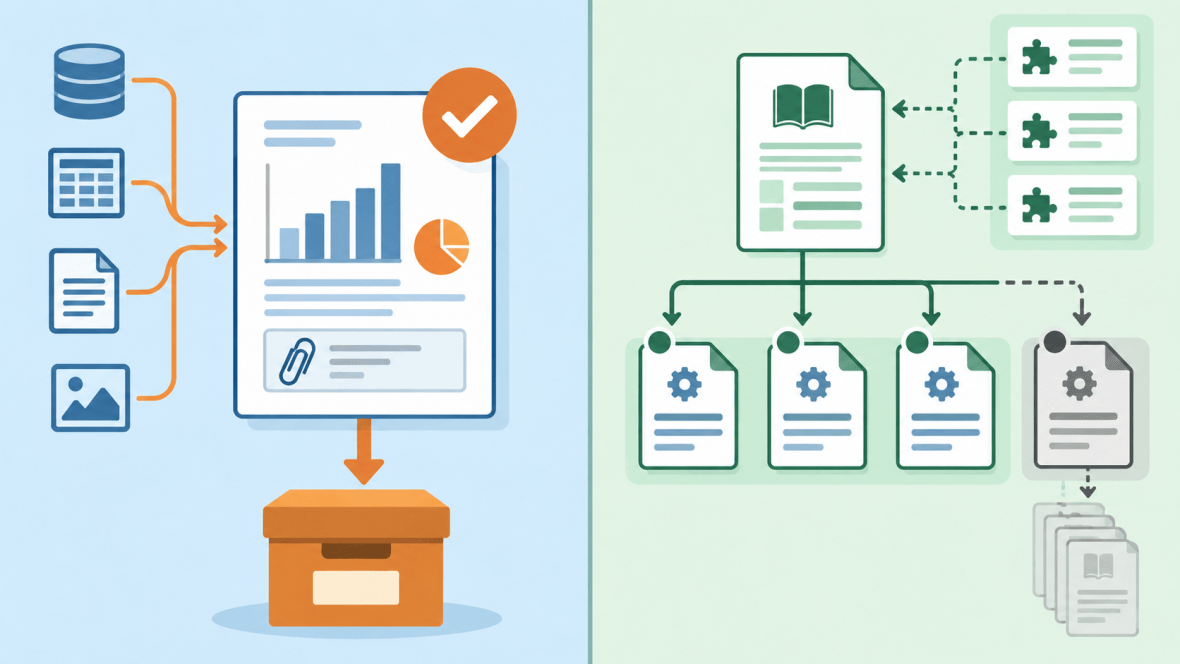
Reports: preserve the approved snapshot
A report’s numbers, conclusions, and charts usually belong to a specific cutoff. After approval, bind the source Markdown, images, data notes, and exported file to one tag or archive. If an error is found later, publish a new revision and explain whether the old version is still valid.
Technical docs: mark what is supported
Technical docs answer a more immediate question: “What should I do with the product in front of me?” Keep the current page easy to find, but give older supported APIs or product releases a clear entry point. A wording fix can usually update the current page; an incompatible behavior change needs a visible version split.
Practical test: if a reader using the older product would get a different or incorrect result by following the new page, define a version boundary. If the change only improves wording, links, or spelling, keep one current page.
Write a changelog for readers, not a copy of the commit log
Commits are for maintainers. A CHANGELOG is for people deciding whether a release affects them. Each entry should say which version changed, what the reader will notice, and what action is required.
# Changelog

## 3.2.0 - 2026-09-23

### Changed
- API authentication examples now use the v3 header names.

### Fixed
- Corrected the relative path for the authentication flow image.
Common Changelog recommends reverse chronological releases, impact-based groups such as Added, Changed, Removed, and Fixed, and links to more detail.
Bring images, attachments, and exports into the boundary
Markdown is easy to diff, but binary attachments need a different check. Store charts, screenshots, CSV files, DOCX files, and PDFs with the Markdown version that references them. Check at least these points:
- File names are stable and do not rely on labels such as “final-new.”
- Relative paths work in local preview, the build environment, and the archive.
- Chart values match the reporting period of the document.
- The DOCX or PDF was generated from the tagged source, not an uncommitted local copy.
If you need to assemble report screenshots or charts into a shareable PDF, you can also review the Images to PDF tool. Treat that as an output step; it does not replace the Markdown source or Git history.
Run a ten-minute pre-merge check
- Read the diff and remove draft notes, temporary paths, and local secrets.
- Check heading levels and confirm that code samples remain copyable.
- Open internal and external links; use anchor text that describes the destination.
- Confirm that every meaningful image exists, fits the page, and has useful alt text.
- Check that version labels, dates, API parameters, and examples describe the same release scope.
- Build the site or export the document, then inspect the rendered result.
- Make sure the CHANGELOG explains reader-visible impact.
- Create the tag and record the commit used for generated files.
Troubleshooting table
| Symptom | Likely cause | Fix |
|---|---|---|
| Readers cannot tell which version a page covers | Version information exists only in release notes | Put the support range in front matter, the page title, or a version selector. |
| A new report overwrote an old delivery | No tag was created after approval | Restore the old commit, create the release tag, and publish the correction as a new revision. |
| An image disappears from the site | Path, capitalization, or directory depth changed | Check the asset folder and reference path in the same version as the Markdown. |
| The same section drifts across versions | Whole pages were copied without a single source | Extract shared sections and version only the paragraphs that differ. |
FAQ
Does every Markdown file need a version number?
Not necessarily. Git commits and tags record the change and release boundaries. The page still needs to tell readers which product or API version it applies to. Keeping those questions separate is clearer than relying on one number in the file header.
Should a report use a branch or a tag?
Use a branch while the report is being written and reviewed. Use a tag for the approved snapshot. This lets the team discuss changes without changing the delivered state.
When should I copy a document into a new version?
Keep a separate entry point when the older version must remain available and the new instructions produce a different result. Spelling fixes, clearer links, and wording improvements usually belong in the current page.
Can Git replace documentation review?
No. Git shows what changed, but it cannot decide whether a parameter is correct, a screenshot is stale, or a reader can complete the task. Fact review, link checks, and rendered-output inspection still need explicit steps.
Next step
Choose one report or API guide that is still changing. Put its Markdown source, images, and exports in one predictable structure. Add the support metadata, make one review branch, inspect the diff, and tag the first approved delivery. Once that flow works, decide whether a version picker, automated build, or conditional content is worth adding.