Markdown Footnotes Still Show [^1] in Word? Fix Numbering, Indentation, and Multi-Paragraph Notes
Markdown footnotes are easy to write, but they can become confusing after conversion to Word. A reference may remain as [^1], numbering may change, repeated references may point to the wrong note, or a multi-paragraph footnote may lose content.
These problems usually come from the relationship between the footnote reference and its definition. The label must match exactly, continuation paragraphs need valid indentation, and the definition must remain outside code blocks and other containers that force literal text.
 A matched reference and definition can become a native Word footnote instead of visible Markdown syntax.
How a Markdown footnote is structured
A footnote has two connected parts: a reference in the main text and a definition elsewhere in the Markdown file.
The conversion was tested in two word processors.[^compatibility]

[^compatibility]: The final layout was reviewed in Microsoft Word and WPS Office.
The label compatibility connects the reference to the definition. Meaningful labels are easier to maintain than manual numbers in long documents.
Problem 1: The labels do not match
| Reference | Definition | Result |
|---|---|---|
[^note] |
[^note]: |
Match |
[^Note] |
[^note]: |
Possible mismatch |
[^note-1] |
[^note1]: |
Mismatch |
[^source] |
No definition | Unresolved |
Treat labels as exact identifiers. Avoid changing capitalization, punctuation, or spacing during later editing.
Problem 2: The definition is missing or duplicated
Every referenced label needs one definition. A missing definition can leave visible Markdown syntax. Duplicate definitions can produce unpredictable output.
The result needs further review.[^review]

[^review]: First version of the note.

...

[^review]: A different version of the same note.
Keep one source of truth for each label. Different notes should use different identifiers.
Problem 3: Multi-paragraph notes lose content
Continuation paragraphs must remain associated with the definition through valid indentation.
The layout was reviewed manually.[^review-process]

[^review-process]: The first review checked headings, tables, and images.

    A second review checked formulas, citations, page breaks, and headers.
Without indentation, the second paragraph may become ordinary body text instead of part of the note.
 Continuation paragraphs need consistent indentation to remain inside the footnote definition.
Problem 4: The syntax is inside a code block
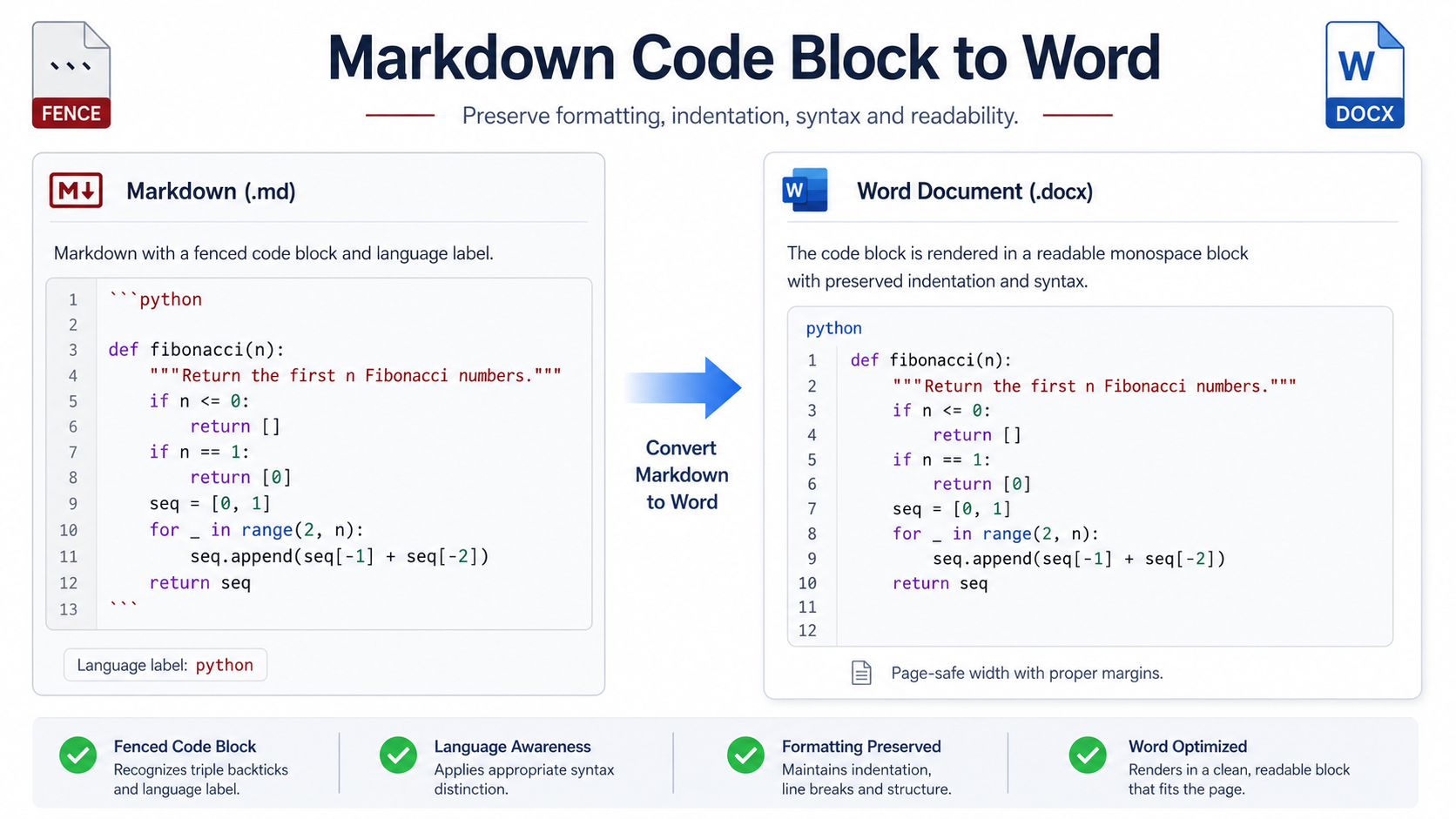
Footnote syntax inside a fenced code block should remain literal because it may be part of a tutorial example.
```markdown
A footnote reference looks like this.[^example]

[^example]: This is the definition.
```
To create a real note, place the reference and definition outside the code fence.
Problem 5: Footnotes inside tables behave unexpectedly
Support for footnote references inside table cells can vary. Even when conversion succeeds, the marker may affect wrapping in a narrow column.
- Place the reference in the paragraph introducing the table.
- Use a short note below the table.
- Add a dedicated Notes column when each row needs a qualification.
- Move long explanations into body text.
Use meaningful labels instead of manual numbers
| Generic | Meaningful |
|---|---|
[^1] |
[^browser-support] |
[^2] |
[^data-source] |
[^3] |
[^review-scope] |
Word can assign final display numbers according to note order. The Markdown label exists mainly for source maintenance.
Repeated references need explicit review
- Confirm that each repeated marker points to the intended note.
- Check that the note is not duplicated unnecessarily.
- Review numbering after moving or deleting paragraphs.
- Make sure deleting one marker does not remove a note still needed elsewhere.
Footnotes, endnotes, and citations are different
| Element | Best use |
|---|---|
| Footnote | Supplementary detail near the relevant page |
| Endnote | Collected notes at the end of a section or document |
| Citation | Identification and attribution of an external source |
A reliable troubleshooting workflow
- Find the first visible marker. Copy the exact label.
- Search for its definition. Confirm that exactly one matching definition exists.
- Check the location. Keep it outside code blocks and unrelated containers.
- Inspect continuation indentation. Make sure every extra paragraph remains part of the note.
- Create a minimal test. Use one paragraph, one reference, and one definition.
- Convert and open the DOCX. Check whether Word created a native footnote.
- Return the corrected syntax to the full document. Then review numbering and repeated references.
 Test one reference and definition before changing every footnote in a long document.
Review the final DOCX
Footnote review checklist
- Search for
[^and confirm that no unintended markers remain. - Check that every reference points to the correct note.
- Confirm that numbering follows the order of references.
- Review multi-paragraph notes for missing text.
- Check notes near page breaks, tables, images, and section breaks.
- Confirm that repeated references behave as intended.
- Review font size, spacing, separator line, and page fit.
- Verify factual claims and citations contained inside notes.
Common symptoms and fixes
| Symptom | Likely cause | First fix |
|---|---|---|
| Marker remains visible | Missing or mismatched definition | Match the label exactly |
| Only the first note paragraph appears | Invalid continuation indentation | Indent later paragraphs consistently |
| A note appears twice | Duplicate definition or repeated-reference behavior | Remove duplicate definitions and retest |
| Example stays literal | Syntax is inside code | Keep it literal or move the real note outside code |
| Numbering changes after editing | Word renumbered notes by reference order | Review order instead of typing numbers manually |
Frequently asked questions
Why does Word show [^note] instead of a footnote?
The reference was not resolved. Check that one matching definition exists and that neither part is inside a code block.
Do Markdown labels control the final numbers?
Usually no. Labels connect source references and definitions; Word can assign visible numbers according to their order.
Can a footnote contain several paragraphs?
Yes, when continuation paragraphs are indented so the parser keeps them inside the same definition.
Should references be placed in footnotes instead of using citations?
Follow the required editorial style. Footnotes provide note content, while citations identify external sources and may require a bibliography.
Final checklist
- Every reference has one matching definition.
- Labels use consistent spelling and capitalization.
- Multi-paragraph notes use valid continuation indentation.
- Real footnotes are outside code blocks.
- Critical information remains in the main text.
- Repeated references have been tested.
- The final DOCX contains no unintended Markdown markers.
- Numbering, page placement, and note content have been reviewed.
A note about PDF footnotes
DOCX is the better choice when footnote text or numbering still needs revision. Once the notes are final, PDF provides a stable page-level copy for review and delivery. Check long notes at page boundaries in the final output rather than relying only on the HTML preview.