
Recommended document structure
- Version context, implementation sections, API contracts, and release notes.
- Distinct code, command, config, diff, log, and file-tree blocks.
- Mermaid diagrams and captions for system flow and architecture review.
A Word template for API blocks, code examples, command snippets, file trees, config blocks, Mermaid diagrams, and implementation notes.
Focused template guide
Use Technical Documentation when readers need to find interfaces, configuration, commands, file structure, diagrams, and version notes quickly. It keeps dense technical information organized in Word.
Convert a Markdown implementation plan with API endpoints, configuration, commands, a file tree, Mermaid architecture, and release notes into a structured Word handoff.
Choose Technical Documentation when code and implementation details lead the narrative. Use Business Report for stakeholder decisions, Academic for formal research, and Clean Office for lighter internal documentation.
Compare all four Word templatesVerified DOCX output
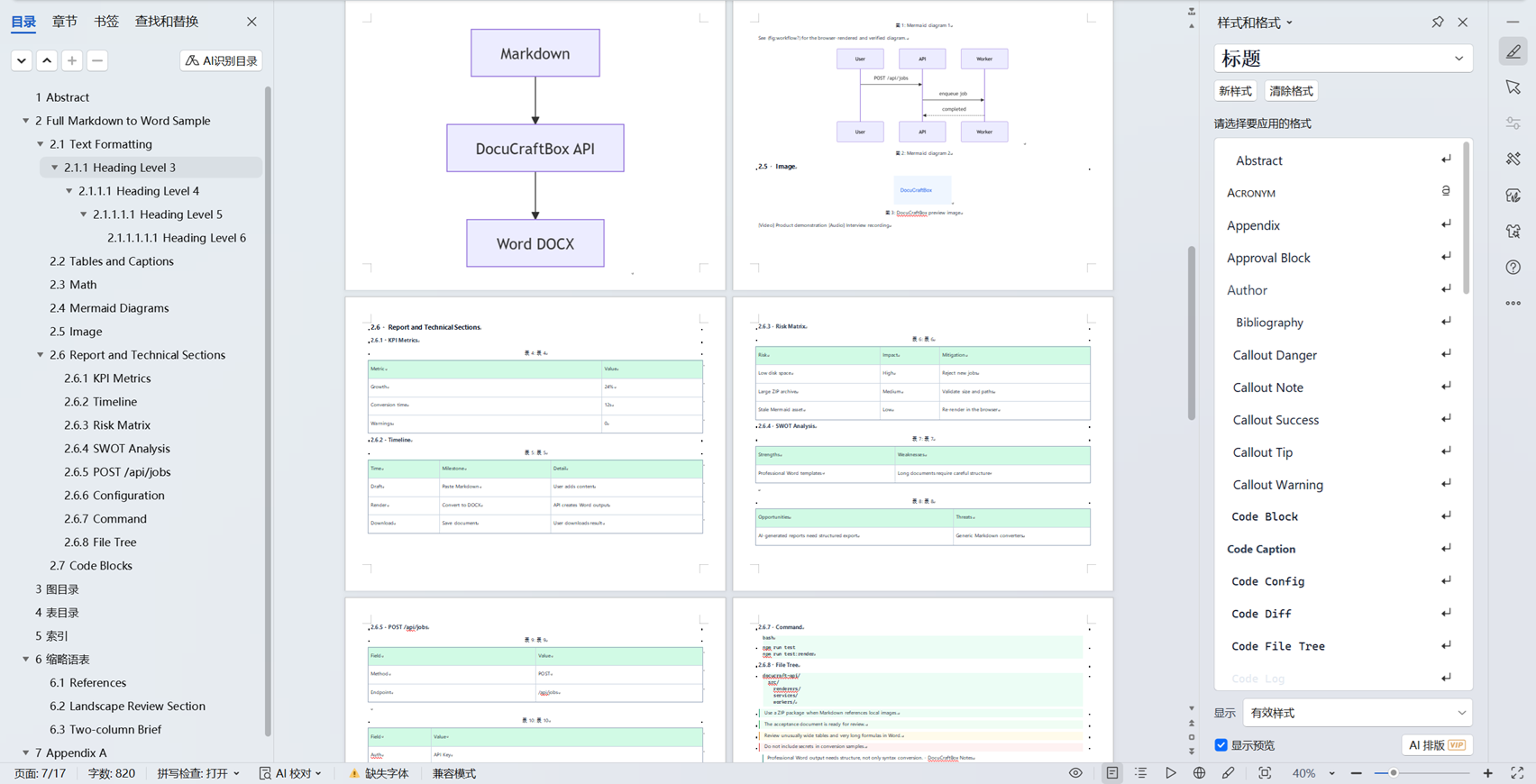
This screenshot shows the Technical Documentation template applied to a non-sensitive acceptance document and inspected in WPS Office Desktop. It is evidence of this template only, not a comparison of all four styles.
Best for API docs, README files, technical specs, implementation plans, release notes, and engineering handoff documents.
The screenshots were inspected in WPS Office Desktop on 2026-07-18. DOCX rendering can vary with installed fonts, the recipient editor, and unusually complex content; review final delivery files in the editor used by the recipient.
Convert templates, callouts, formulas, tables, diagrams, captions, KPI sections, timelines, and technical content into editable DOCX or fixed-layout PDF.
Review capabilities